
Detailed fluency analysis
Each recording is scored separately for pronunciation, fluency, rhythm, speed and completeness.
You set the sentences, students record them, and Madlen scores each out of 100 with word-by-word feedback.
The examples below were generated in Madlen.
Simple World Foods
 I eat rice.
 She cooks soup.
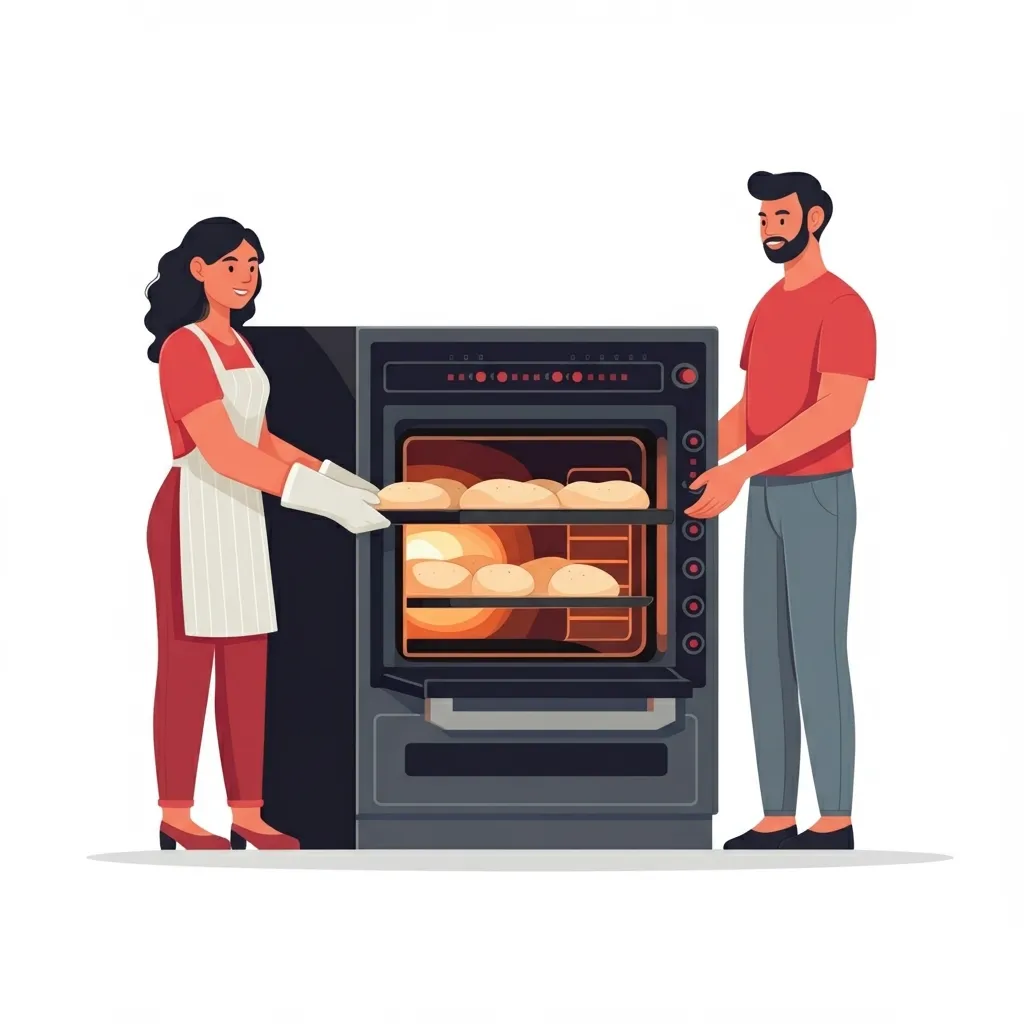 They bake bread.
Keep Your Finger on the Pulse!
See who recorded, who struggled and where. Assign now to track all analyses in real time.
Simple World Foods
1/3
Start recording
0:00
Stop recording
Analyzing…
Simple World Foods
1/3
Each recording is scored separately for pronunciation, fluency, rhythm, speed and completeness.
Students see which words and sounds they struggled with, and they can record the sentence again.
Assign the activity to your class and see in real time who recorded, who struggled and where.
In Madlen a pronunciation task is ready in four steps. The options below come from the platform form itself.
Type the topic of the practice or upload a file. A topic such as daily routines, food or school life is enough.
Madlen writes single words or sentences for the student to repeat aloud. You also choose how many there are.
Choose the content language, the accent for English and the CEFR level. You also decide whether feedback is written in the task language or the student's own language.
Set a due date and, if you like, a minimum score, then assign it to students. As they record, their submissions show who struggled and where.
AI pronunciation assessment listens to a student’s recording and measures how accurately they pronounced the target text. In Madlen, Pronunciation Assessment scores each recording out of 100 and breaks the result down by word and sound. It is one of more than 50 tools in the Madlen Toolbox.
Madlen looks at each recording for pronunciation, fluency, rhythm, speed and completeness, and gives an overall score out of 100. The results screen also shows a separate score for every word and every sound.
When you assign a pronunciation activity in Madlen, you can see in real time who has recorded, who struggled and where. That makes it easy to spot which students need help with which sounds.
Yes, in Madlen a student can record the sentence again after seeing the result. That way they can act on the feedback straight away.
Madlen has a free plan, so teachers can sign up and start creating without paying. Madlen is already used on more than 150 campuses.
Create a free account and start with the tools you need today.