




The AI teaching assistant that knows your curriculum
Create assignments in seconds, assign them to your students, and track their progress throughout the semester in real time.
Madlen Super Assistant
Type or pick a request…
- 20,000+ teachers
- 420+ schools
- 830,000+ questions generated
- 50,000+ hours saved
- 65,000+ students
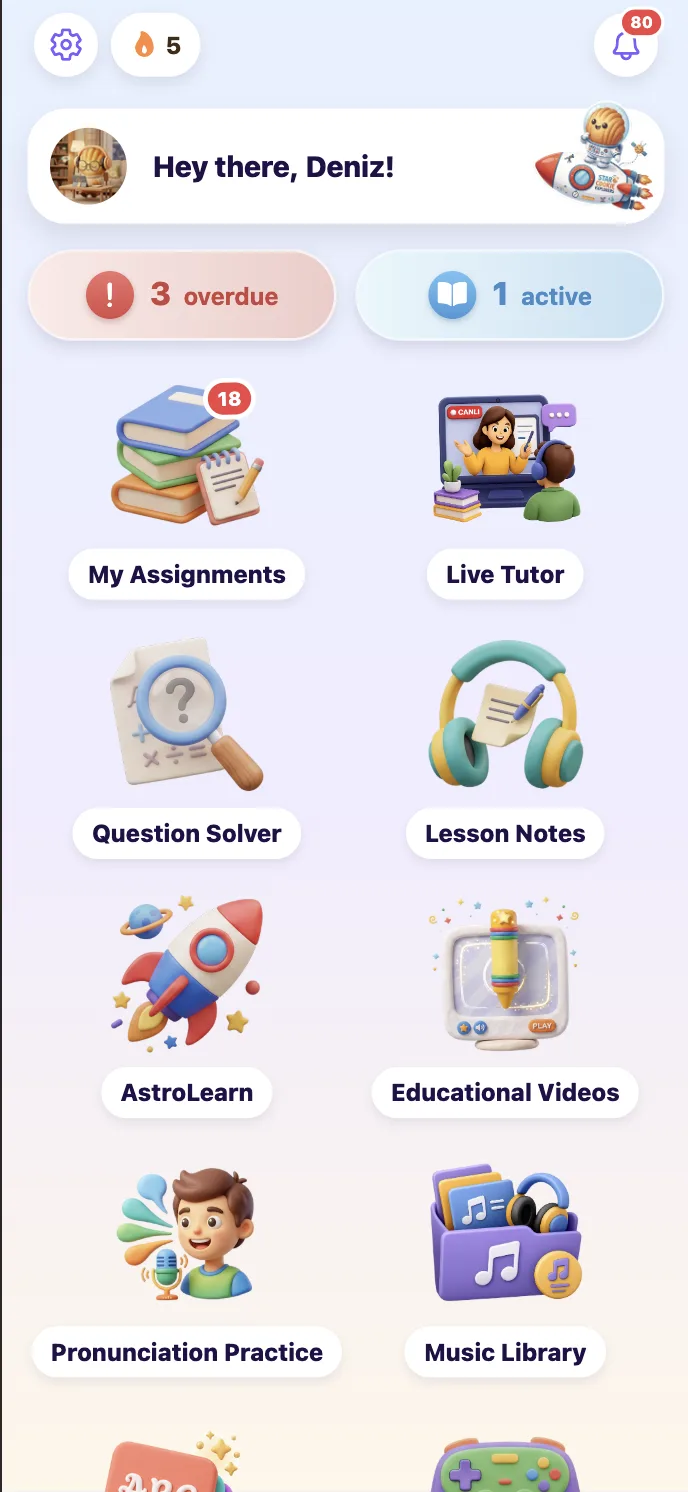
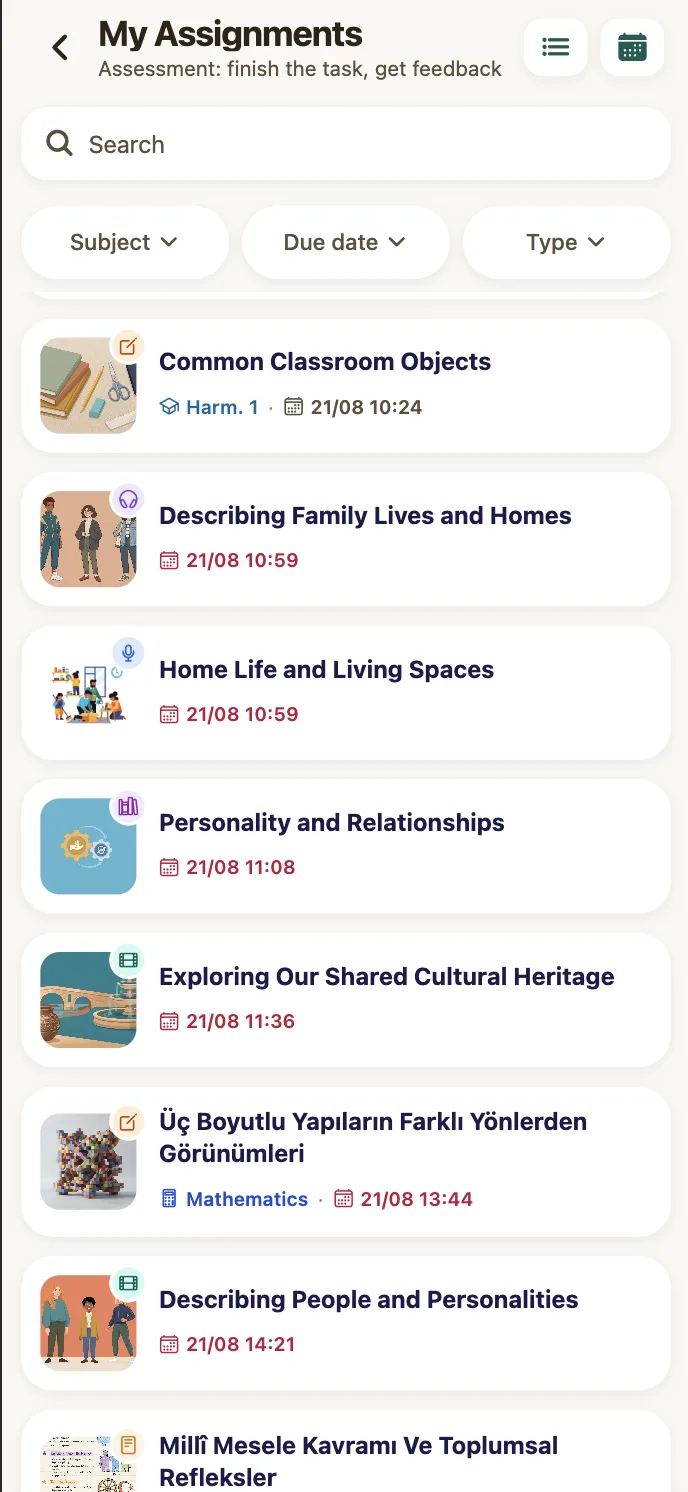
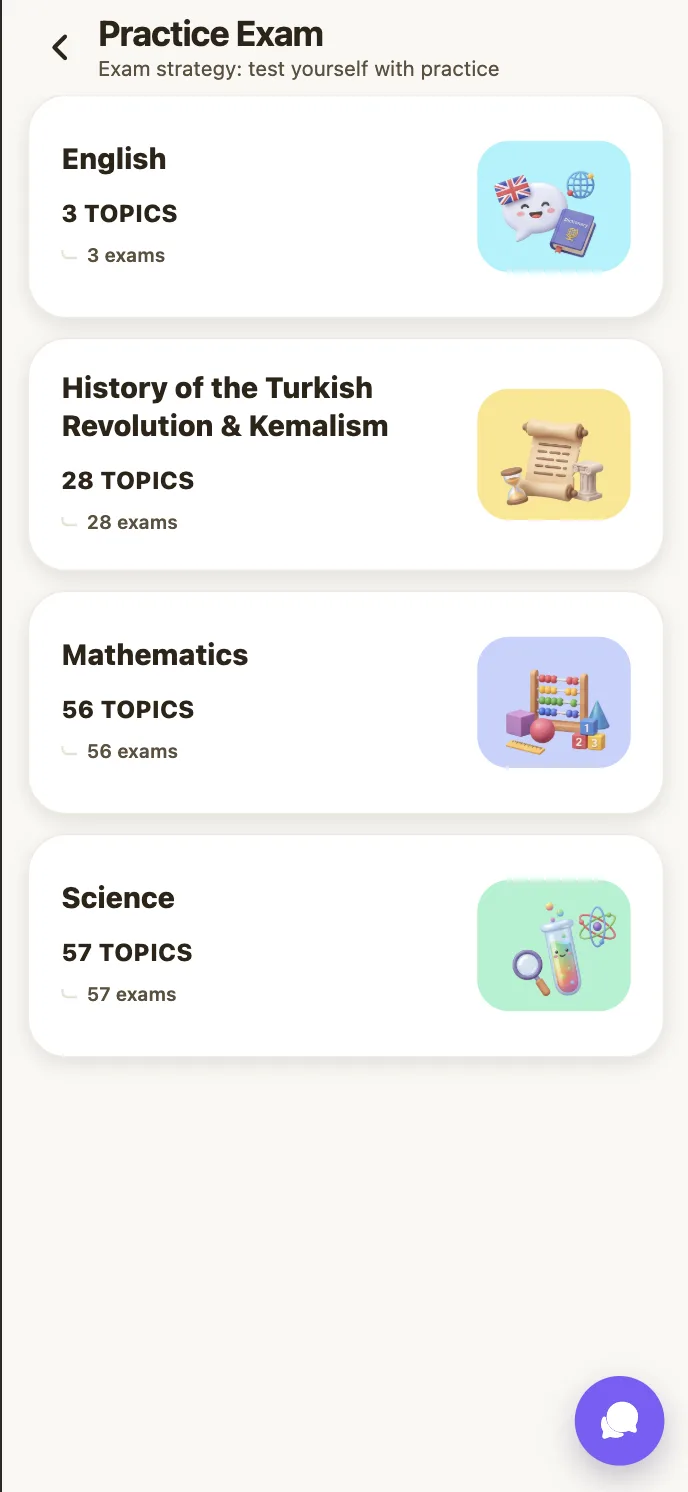
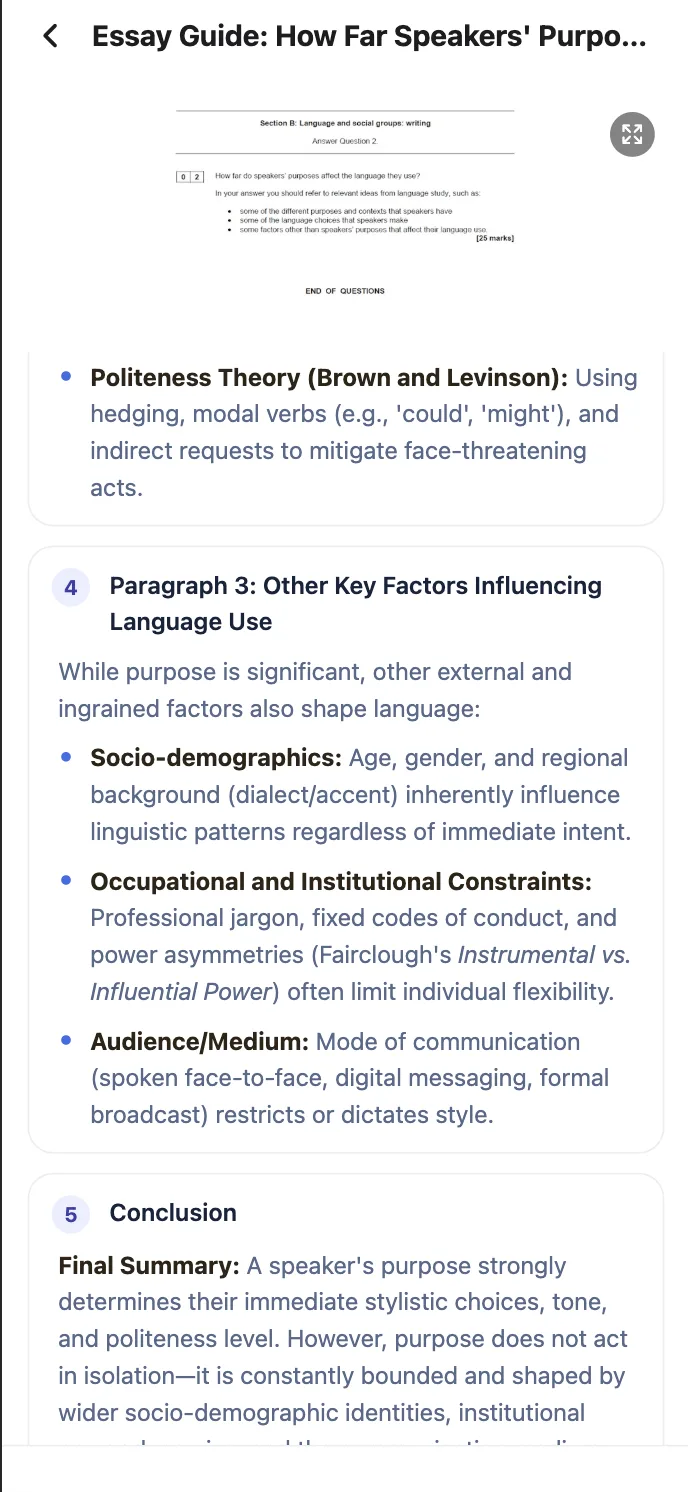
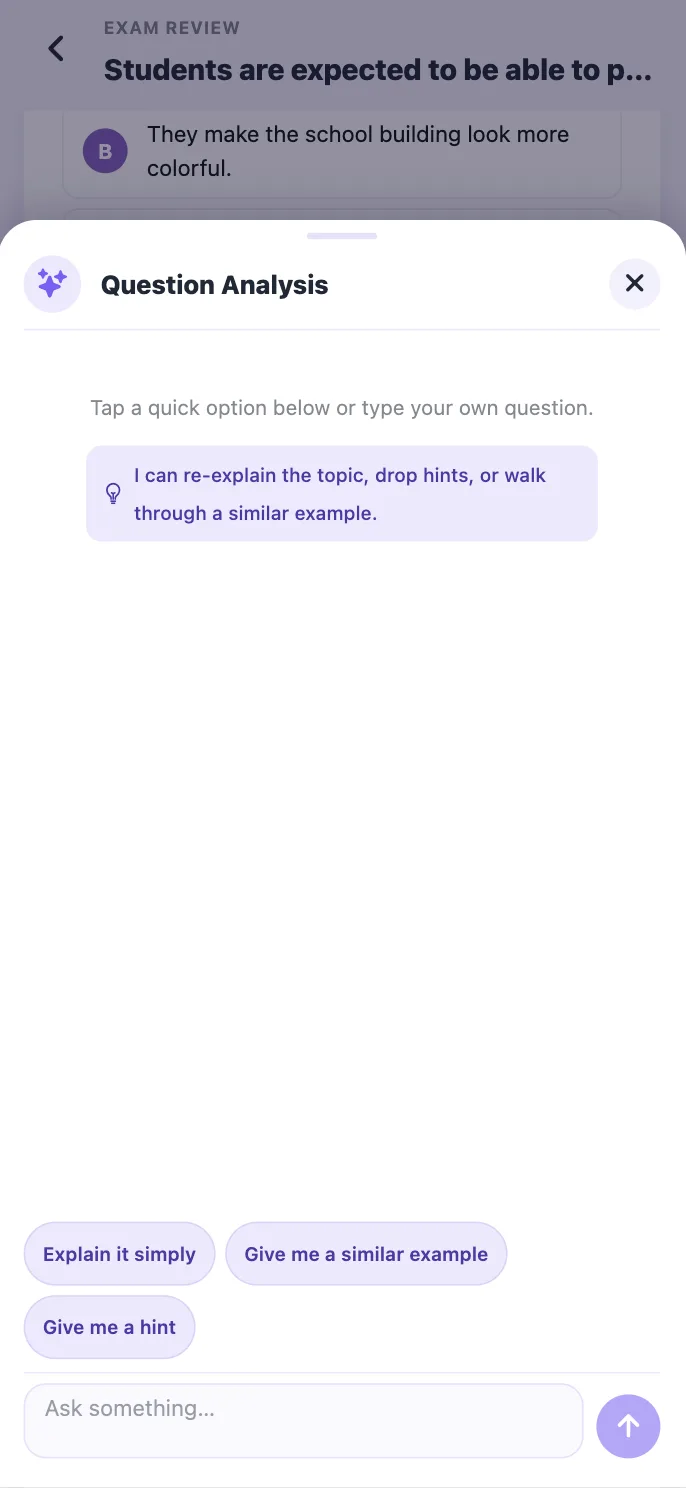
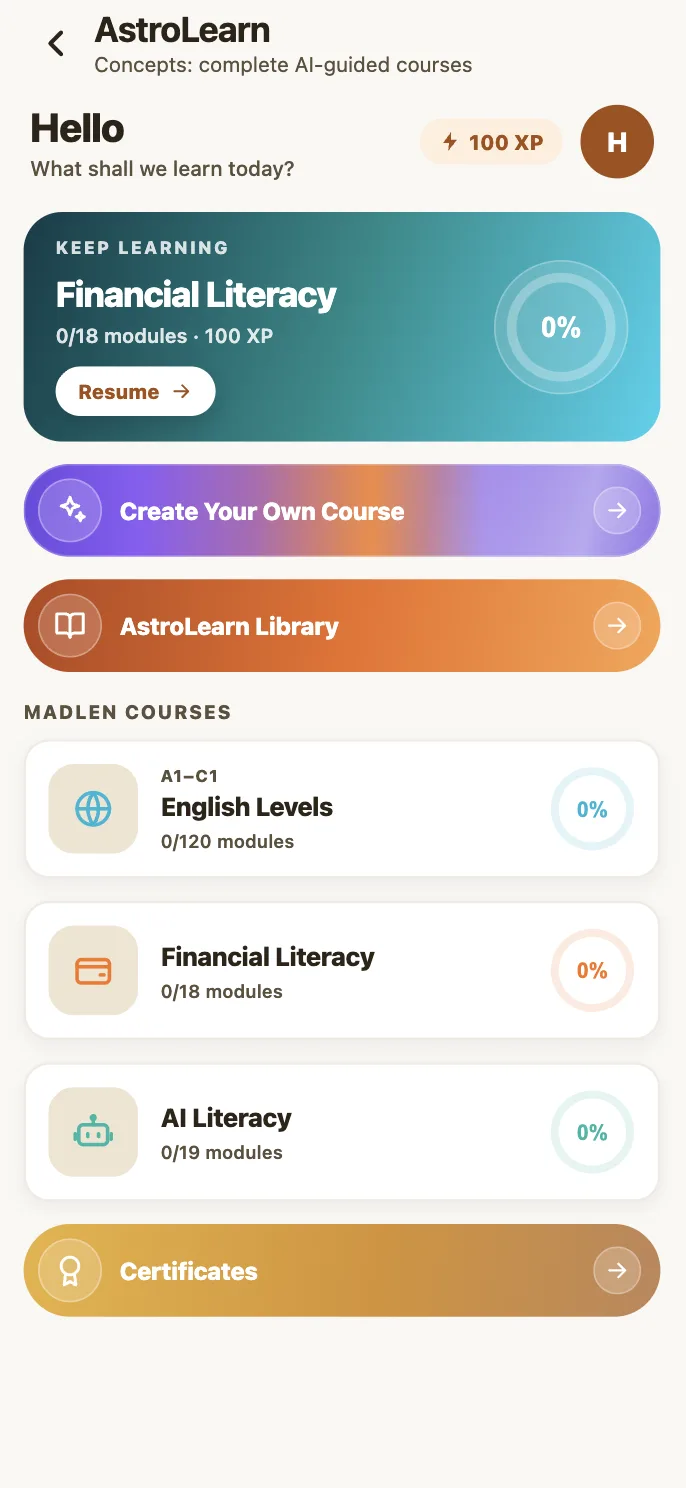
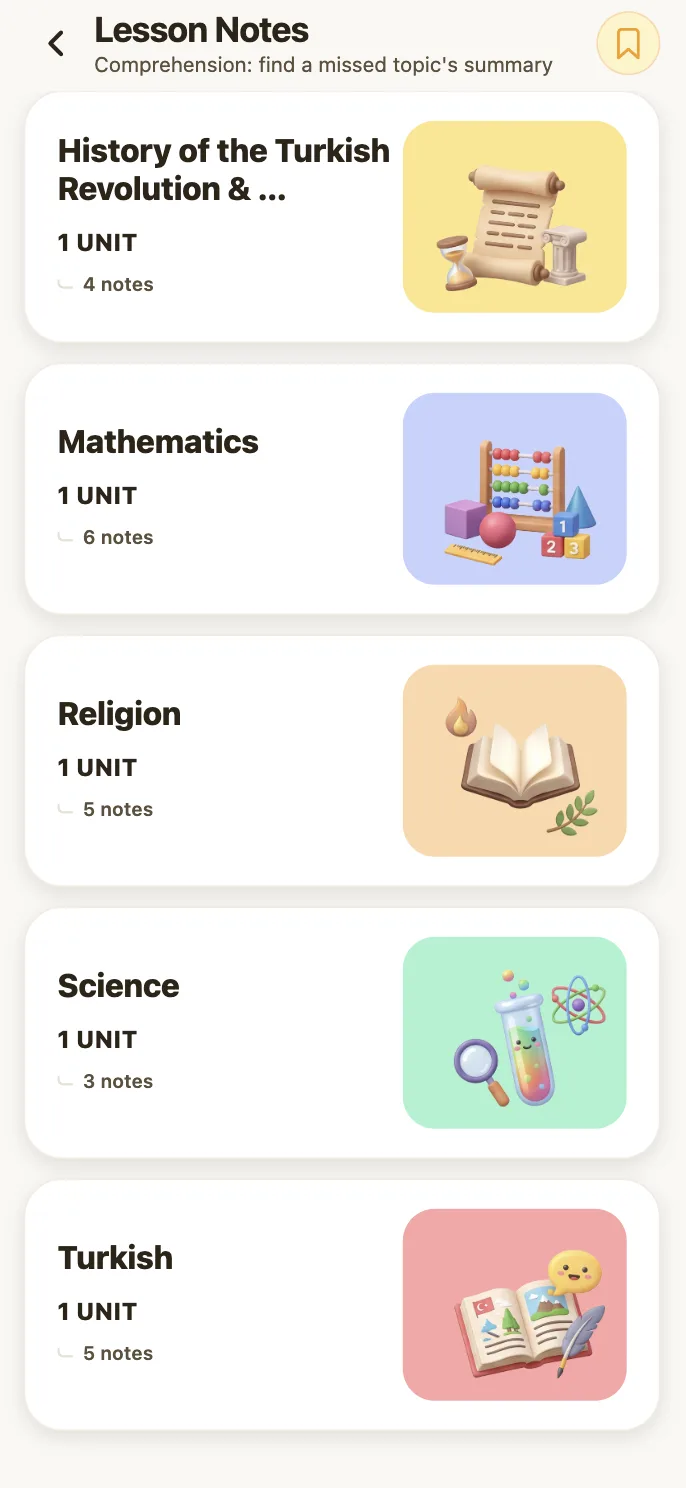
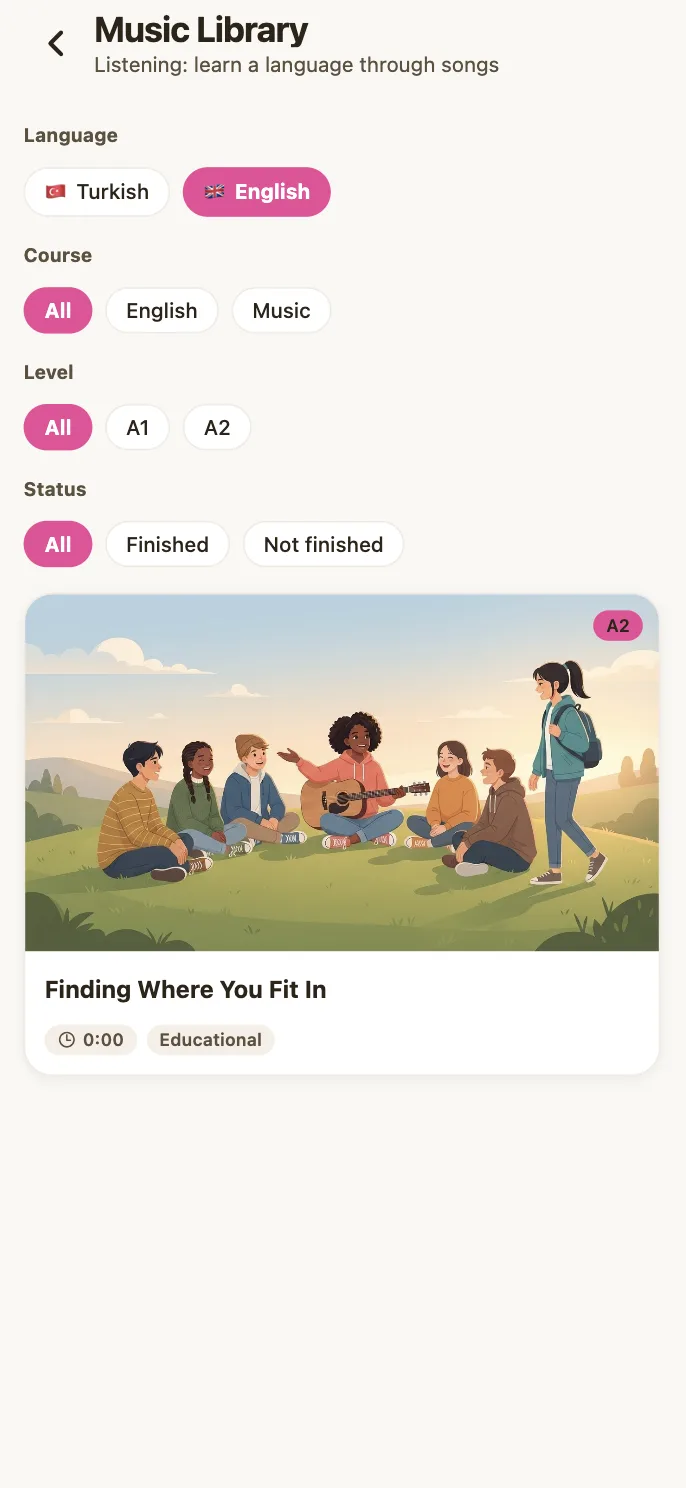
Set It in Class, It Lands in Their Pockets

Made with Madlen
What teachers say
"Madlen is like a genius super-assistant in my teaching. It takes complex tasks off my shoulders and offers creative, practical solutions, so I can put all my energy into my students."
 Mustafa Düşünen Mathematics Teacher
"Our pilot program at Hisar Schools last year proved that Madlen is a dynamic platform that evolves through teacher feedback. I am confident that Madlen will be a vital tool for saving teachers time, sparking creativity, and truly transforming the learning experience for our students."
 Dilara Vardar Head of IT Strategy
"As a teacher, Madlen is my greatest helper when preparing course materials. Thanks to artificial intelligence support, I both save time and can produce creative content that will attract my students' interest."
 Neslihan Yapıcı Social Studies Teacher
 "Artificial intelligence is transforming industries and learning. Student data finally becomes something you can act on. Madlen provides convenience for teachers and support for students."
 İsmail Süha Hayal R&D and Educational Technologies Coordinator
"This platform brings everything teachers need into one place, and gives us back our most valuable resource: time. I would like to sincerely thank all the contributors to this process."
 Edanur Beyhan English Teacher
"There are very few platforms that capture the potential of AI in education as successfully as Madlen. Students can now reach knowledge that once felt out of their grasp, and it happens through natural, enjoyable conversation. That's a real privilege to witness. Madlen turns the student from a passive recipient into an active explorer. I sincerely congratulate the team for using the power of technology in education so effectively and meaningfully. A remarkable platform that every student should experience."
 Eyüp Özcan ANGIN English Teacher





Seals of Excellence






Prestigious Supporters













Frequently Asked Questions
Getting Started
How do I sign up for Madlen?
To get started, click the Try for Free button on the homepage and sign in with your Google account.
How much does Madlen cost?
Madlen is a paid platform for teachers and schools. Pricing is tailored to each institution's needs. Get in touch for details and to bring Madlen to your school.
What devices can I use Madlen on?
Madlen works in the browser on computers, tablets, and smartphones. For the best experience, we recommend using a computer or tablet.
Responsible AI
Which AI models does Madlen use?
We combine industry-leading AI models. These models never interact directly with teachers or students. Before any response reaches the classroom, it passes through Madlen's own layer, trained for teaching and filtered for safety and pedagogical suitability.
Is student data safe?
Absolutely. No student data is ever shared with third parties, sold, or used to train AI models. Data is visible only to teachers and school leaders. Read our Privacy Policy →
Which regulations does Madlen comply with?
The platform meets UK GDPR and EU GDPR requirements. All of our tools run on Infercom, Europe's first sovereign AI infrastructure provider. This means data is processed on servers in Germany, within EU borders, and is never transferred to the US. The infrastructure is certified to the ISO 27001:2022 standard. For international school partnerships, we also follow each country's local regulations. Read more about our data policy →
What happens if the AI produces inappropriate content for students?
Madlen's filtering layers automatically block inappropriate output. School leaders can review every interaction on the platform afterwards. We update our content policies regularly to keep everything classroom-appropriate. For real classroom experiences, take a look at our Case Studies page.
Lesson Planning & Content Creation
How can I edit my lesson plans?
You can view the lesson plans you've created under the Lesson Planning tab and update their content however you like.
How do I use the content creation tools?
Madlen's Toolbox has more than 40 tools. From worksheets and podcasts to dialogues and interactive materials, there's a tool for every stage of the lesson. You can take the output of one tool and refine it in another, reshaping content to match your own class's level.
Integrations
Which platforms does Madlen integrate with?
Madlen works with Google Workspace for Education (Google Classroom, Drive and Meet) and Microsoft 365 (Teams and Office), the tools schools already use. Contact our team for MAT and multi-school rollout options.
Can I connect Madlen to our school's MIS or LMS?
Yes. To connect Madlen to your existing MIS or LMS, reach out to our team at hello@madlen.io. Enterprise integration requests are prioritised.
Assessment & Marking
What formats can I use when creating assessments?
Madlen supports a range of question types, including multiple choice, open-ended, true/false, fill-in-the-blank, and matching. You can also generate context-based questions that measure how well a student applies knowledge in an unfamiliar situation. If you want to work with the National Curriculum, the alignment mode links each question to the relevant learning objective, so you can see at a glance which question measures which objective and balance your assessment against the curriculum.
How do I create AI-resistant assignments?
With the AI-Resistant Homework tool, you can create original assignments that encourage analytical and critical thinking.
Support & Contact
Where can I report technical issues or send suggestions for Madlen?
For any technical support, questions, or feedback, you can reach our team at hello@madlen.io. We'll get back to you as soon as we can.
Do you have any other questions?
Contact us