

Original images
Every image is generated from your own prompt. When a search engine cannot find the picture your lesson needs, you can create it yourself.
Describe an illustration, poster or certificate and Madlen produces it, ready to download in high quality.
The examples below were generated in Madlen.
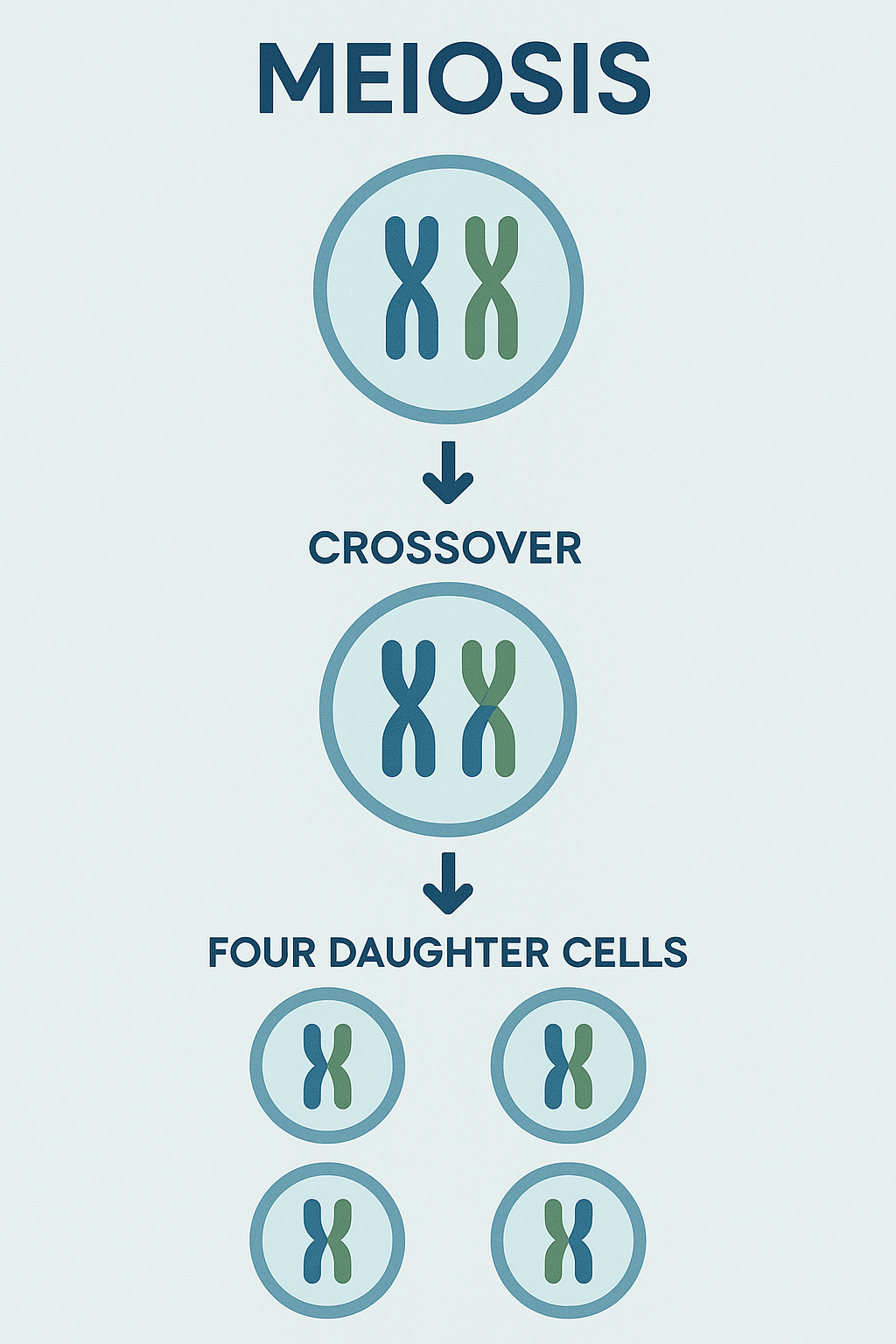
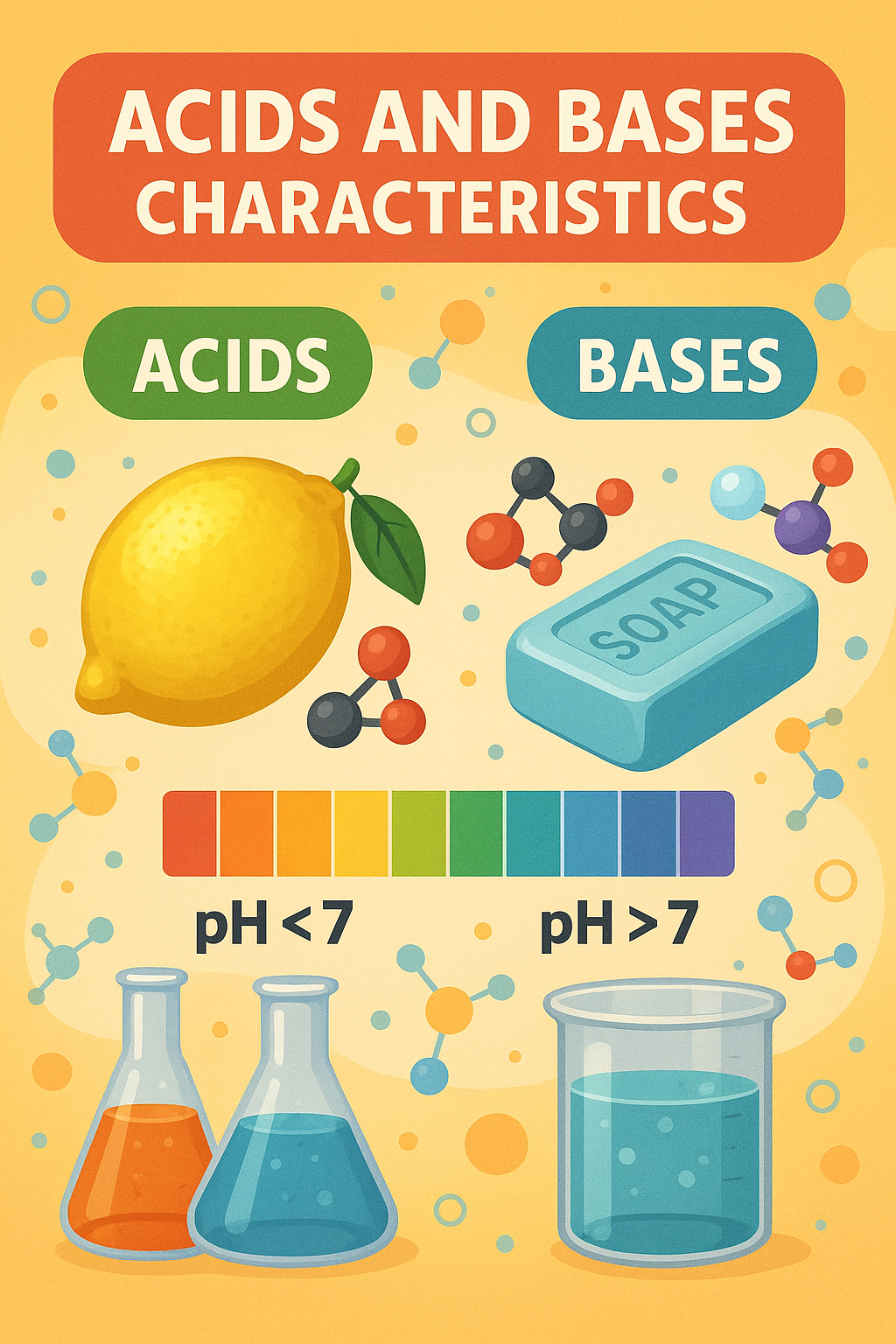
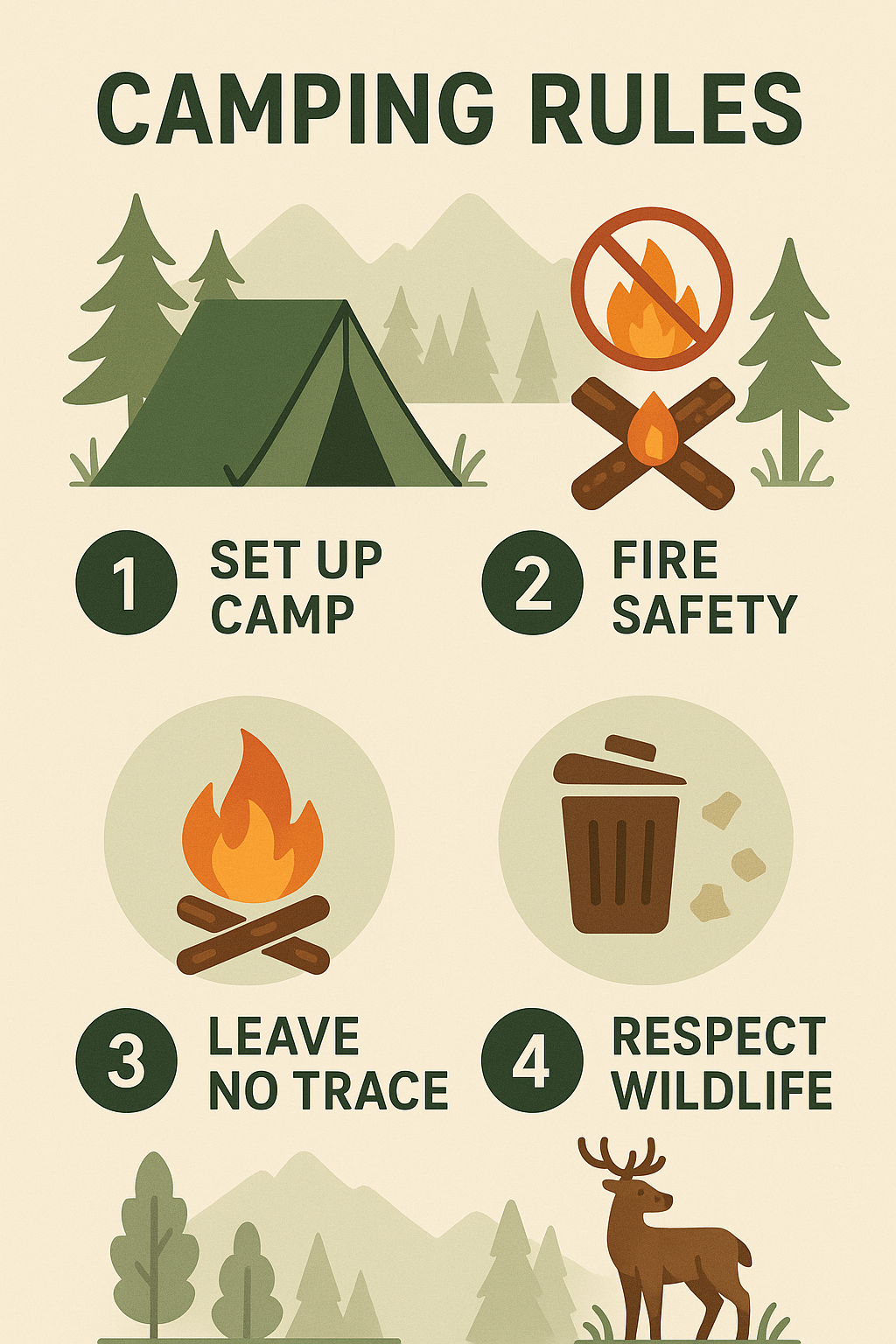
Every image is generated from your own prompt. When a search engine cannot find the picture your lesson needs, you can create it yourself.
From a diagram of meiosis to a poster of acids and bases or a set of camping rules, the visuals are designed to work as teaching resources.
Download the image in high quality and put it on the board, in a worksheet or in your slides.
In Creative Studio an image is ready in four steps. The options below come from the platform screen itself.
Write what you want to see in your own words or dictate it. The Inspiring images gallery gives you examples to start from.
Upload or paste an image to start from if you have one. Choose a square, landscape or portrait format.
Choose the UK Curriculum learning outcome the image should support. Your prompt still decides what is drawn.
Select an area and describe the change, fix spelling in the image or add your school logo. You edit without generating the image again, then download it.
Open Madlen's Creative Studio and type the image you want or the goal of the visual. The AI chooses a fitting format and generates the image. You can then download it in high quality.
Madlen's Creative Studio is an AI image generator built for teachers. It creates original illustrations, posters and certificates to use in lessons, and it is one of more than 50 ready-made teacher tools on Madlen.
With Madlen's Creative Studio you can create illustrations that explain a topic, posters for classroom displays and certificates for pupils. A diagram of meiosis for GCSE Biology or a poster on acids and bases, for example, is ready in minutes.
Yes. Madlen's Creative Studio generates each image from your prompt rather than picking from a stock library. That means the visuals are made for your lesson.
Creative Studio is not one of the Pro-only tools, so it is open on Madlen's free plan. The free plan starts with 14 days of Pro, and the pricing page shows what each paid plan adds.
Every new account starts with 14 days of Pro, so you can try the tools on this page with your own classes.