AI tools for teachers
The AI tools teachers use most, each shown with a real example.
23 tools
Create lesson materials
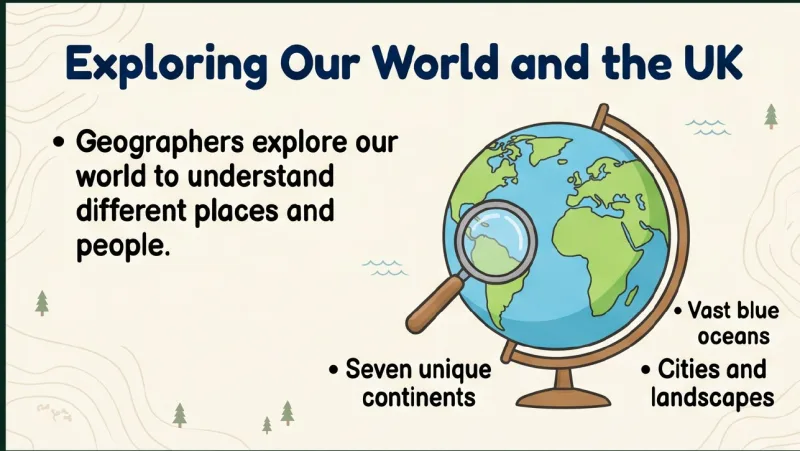
 Presentation Generator Visual slide decks from your topic, in PPTX or PDF Free planPPTXPDF
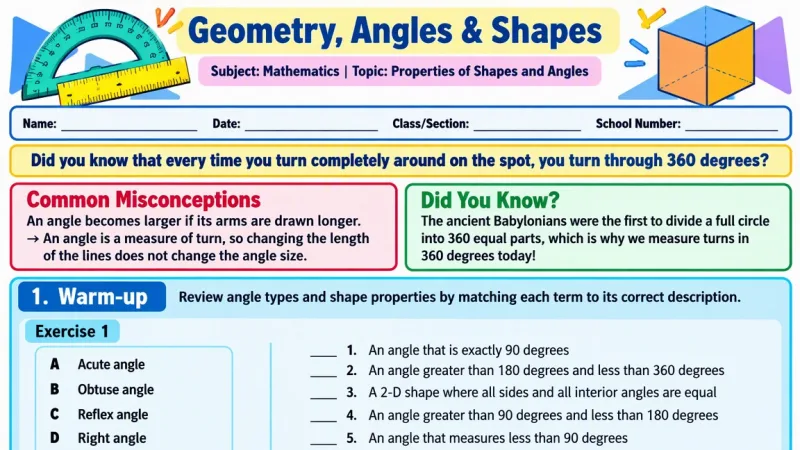
 Worksheet Generator Printable worksheets with an answer key and MP3 audio Free planPDFAnswer keyMP3
 Madlen Super Assistant Plans, questions or podcasts from one chat request Free planAnswer keys
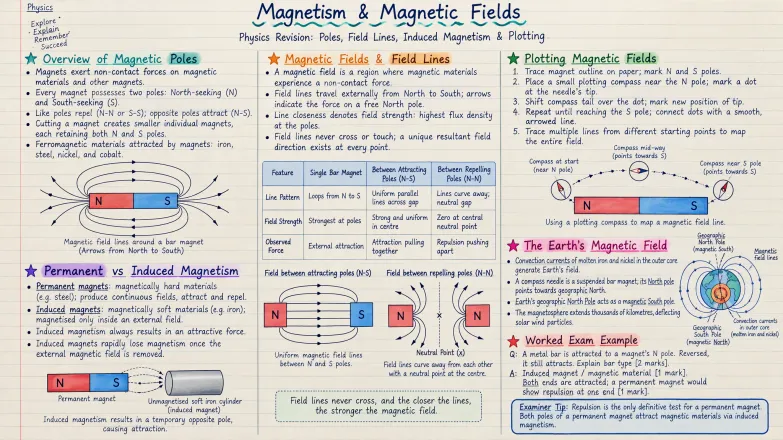
 Notes Generator Colourful notes page from your outcomes, with optional audio Free planAudio
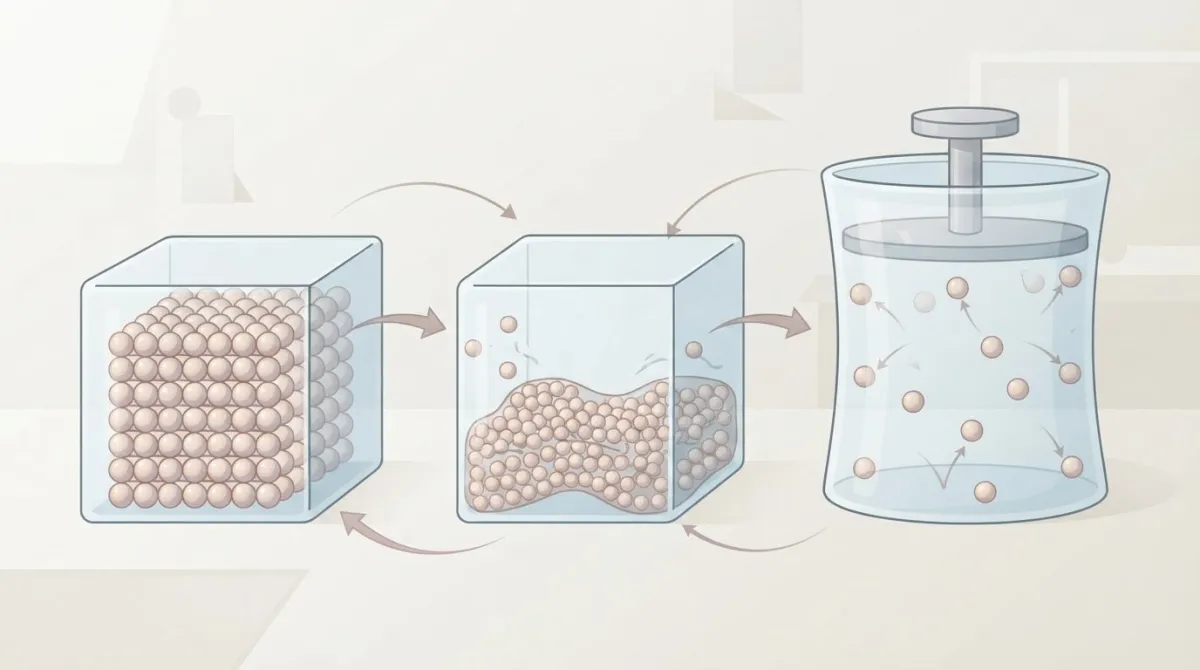
 Creative Studio Illustrations, posters and certificates as high-quality downloads Free plan
 Illustrated Story Illustrated stories with vocabulary and questions
 Podcast Generator A two-voice podcast on your topic, ready to play Free planAudio

 Jukebox A song about your topic as an MP3 Free planMP3

Write questions and mark work
 Question Generator Exam-style questions linked to objectives, with mark schemes Free planMark schemePDFWord
 Paper Marker Handwritten scripts marked against your scheme, with a class report ProHandwritingClass report
 Writing Marker Feedback on primary writing by year, and essay marks against your criteria ProYear 1 to 6Per-criterion marks
 Visual Question Generator Graph and diagram questions, PDF with answer key PDFAnswer key
 Rubric Generator Analytic rubrics with level descriptors, as PDF or Word Free planPDFWord
 Exit Tickets Quick check cards with success criteria, as PDF or Word Free planPDFWord

 Performance Tasks Real-world tasks with criteria, as PDF or Word Free planPDFWord

Design activities and differentiate
 Mind Map Editable mind maps that branch out any topic
 Word Puzzle Word searches and crosswords from your topic’s words
 Adaptive Teaching Tools One topic adapted as tiers, RAFT, 4MAT or choice boards Free plan

 Bloom’s Taxonomy Activities Six linked tasks, one per Bloom’s level, with criteria Free plan
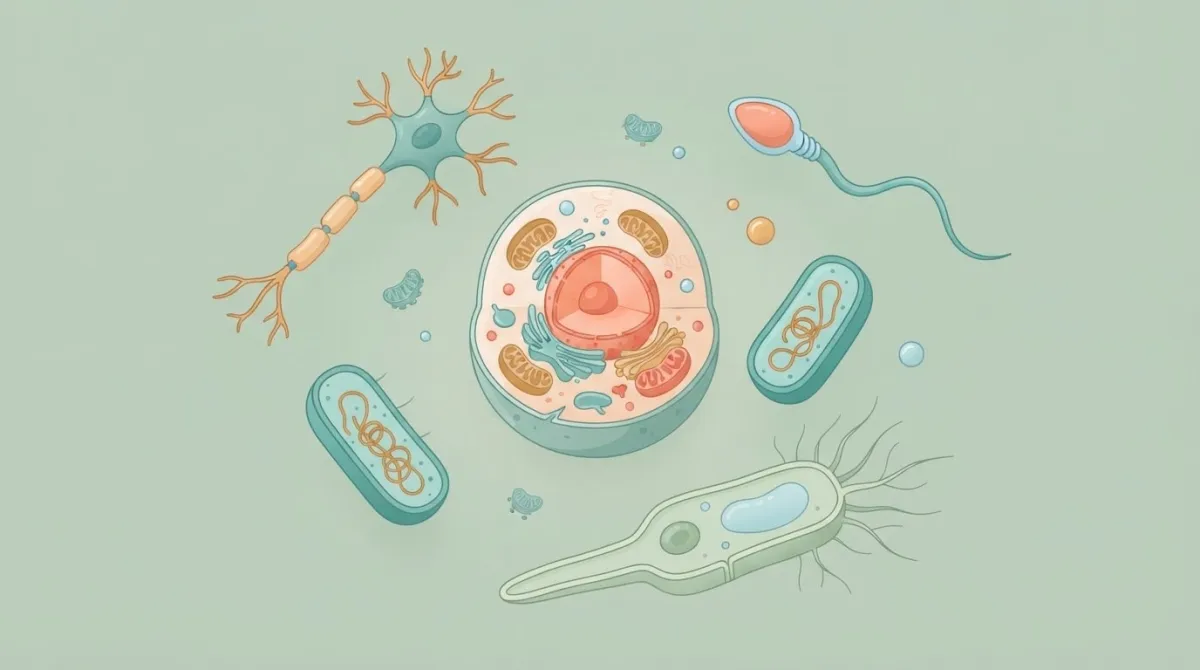
 Common Misconceptions Common misconceptions with causes and classroom fixes Free plan

 Project Task A real-world project with steps and assessment questions Free plan



No tool page matches that. Try another word, or choose All.
More tools on the platform 21 Madlen has dozens more tools teachers use every day.
Content Development
- Vocabulary Guide Drafts key vocabulary cards and practice exercises for a topic.
- Interactive Materials Adds check-for-understanding questions to a video or PDF you use in class.
- Leveller Rewrites a text at a different reading level, for example for pupils with EAL.
- Text to Speech Reads a text or document aloud in a natural voice, ready to play in class.
- Article Generator Writes a reading text on your topic, pitched to the year group you teach.
- Educational Video Produces a short sketch-style explainer video on your topic.
- Dialogue Creator Writes a dialogue between characters on your topic, useful in languages and history.
Activity Planning
- Lesson Hooks Suggests ways to open a lesson that link the new topic to what pupils already know.
- Real-World Connections Finds everyday examples that make an abstract idea concrete.
- Transfer Activities Drafts tasks that ask pupils to apply what they have learned in a new situation.
- Essential Questions Drafts the big questions that frame a unit and guide class discussion.
- AI-Supported Tasks Drafts tasks that build in a planned, teacher-led use of AI.
- Collaborative Learning Drafts structured group activities with a clear role for each pupil.
Assessment
- Homework Ideas Suggests homework that consolidates the lesson you have just taught.
- Formative Assessment Drafts low-stakes questions to check what the class has secured during a lesson.
- AI Assessment Scale Helps you judge how much AI was used in a piece of work you paste in.
- AI Assignment Generator Drafts homework tasks that build in a planned use of AI.
UbD Tools
- Transfer-Oriented Activities Drafts activities from a unit's transfer goals, using the Understanding by Design model.
- Understanding-Oriented Activities Drafts activities from a unit's understanding goals, using the Understanding by Design model.
- Essential Questions Activities Drafts activities built around a unit's essential questions.
- Performance Task Activities Drafts a performance task with the GRASPS template, from goal and role to product and success criteria.
Start with Madlen for free
Every new account starts with 14 days of Pro, so you can try the tools on this page with your own classes.