AI tools for teachers

Create hands-on performance tasks with AI in a few minutes

Choose the Key Stage, subject and topic, and Madlen writes a task where pupils show what they can do.

  • Set in a real-world scenario
  • Clear step-by-step instructions for pupils
  • Criteria and materials list included

A real example made with Madlen

The examples below were generated in Madlen.

KS2 Art and Design

KS2 · Art and Design

Eco-Street Art: Voices for the Future

1Description

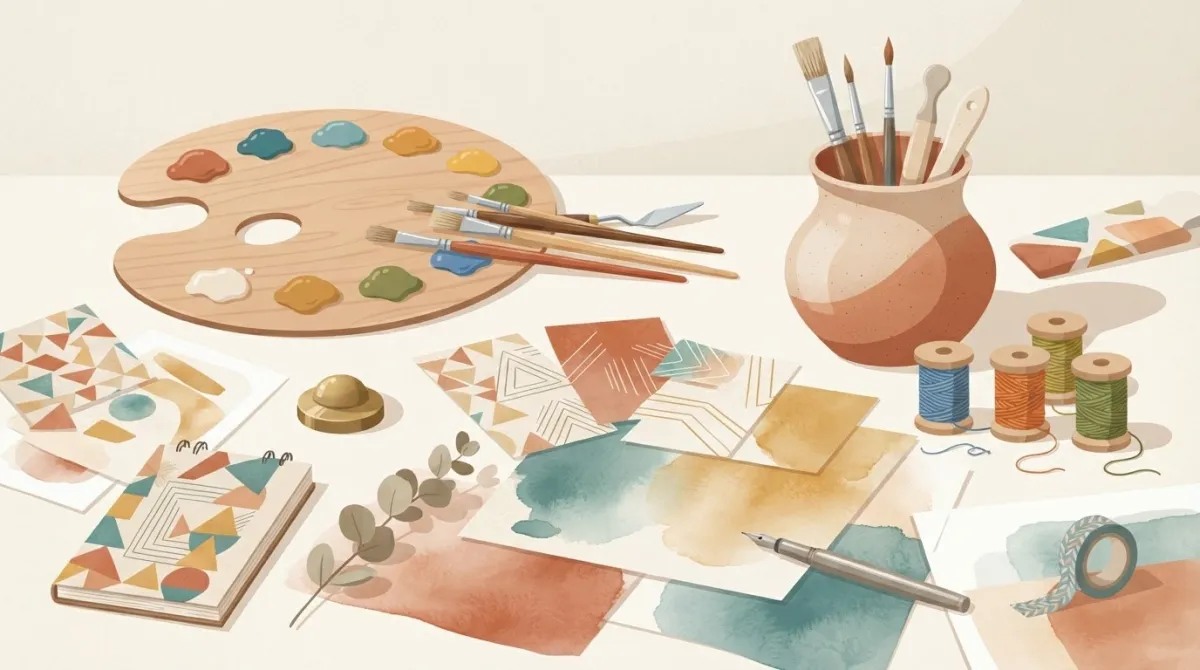
Pupils design and produce an original, eco-themed mixed-media street art mural panel and sketchbook portfolio. Taking on the role of community artists, pupils combine bold visual elements from Pop Art and street art techniques—such as stencils, layered textures, and natural or recycled materials—to communicate a powerful message about protecting urban nature and shaping a sustainable future.

2Student instructions

Role: You are a professional community artist commissioned to create an eye-catching street art panel for a local urban gallery.

Goal: Design and produce a vibrant mixed-media mural panel along with a process sketchbook that shows how cities and nature can thrive together.

Step 1: Research & Sketchbook Development

• Open your sketchbook to brainstorm ideas about urban wildlife, climate action, and community.

• Experiment with bold Pop Art colours, repeated patterns, and symbols.

• Remember: an idea is never completely finished on the first try! Test at least two different layout compositions and refine your designs.

Step 2: Technique & Material Experimentation

• Create your own card stencils to produce crisp street-art motifs.

• Test different paintbrush techniques (stippling, dry brushing, washing) and experiment with textured printing using found natural or recycled materials.

• Layer your tests in your sketchbook to discover what textures work best together.

Step 3: Creating the Final Mural Panel

• Apply a rich mixed-media background to your display board using washes and textured print.

• Layer your stencil designs, bold lettering, and collage elements carefully.

• Add final details to ensure your message to the community is clear, positive, and visually striking.

Step 4: Artist Statement

• Write a short artist statement (3–4 sentences) explaining your creative choices, how your message will inspire viewers, and how your sketchbook helped you improve your design.

3Assessment criteria

• Sketchbook Exploration and Idea Development

• Material Control and Mixed-Media Techniques

• Creative Expression and Visual Message

• Reflective Evaluation and Presentation

4Materials needed

• A3/A4 heavy card or mounting board (for mural panels)

• Sketchbooks / cartridge paper

• Acrylic or ready-mixed poster paints (primary colours, black, white, neon)

• Stiff card for stencils and safety scissors

• Sponge dabbers, rollers, and varied paintbrushes

• Recycled materials (mesh packaging, cardboard, bubble wrap) and natural textures (leaves, bark)

• PVA glue and glue spreaders

• Fine liner pens and water-resistant markers
What you can do

A real-world role

Madlen sets each task inside a scenario that gives pupils a role and a goal. In our KS2 art and design sample, pupils act as community artists commissioned to create a street art panel for a local gallery.

Instructions and assessment criteria

Pupil instructions break the task into clear steps, from sketchbook research and experimenting to the final piece and a short artist statement. The assessment criteria spell out which skills the task measures.

Materials list

Every task comes with a list of the materials you need to prepare. You can edit the document and download it as a PDF or Word file.

How do you create a performance task with AI?

A hands-on performance task takes four steps in Madlen.

  1. Choose the Key Stage, subject and topic

    Pick the Key Stage and the subject, then name the topic the task should build on.

  2. Madlen writes the scenario and instructions

    The AI sets the task in a real-world scenario that gives pupils a role and a goal, then breaks the work into clear steps.

    • Description
    • Pupil instructions
  3. Check the criteria and materials

    The task comes with assessment criteria that name the skills it measures and a list of the materials to prepare.

    • Assessment criteria
    • Required materials
  4. Download and run it in class

    Adjust the task for your class and download it as a PDF or Word file. For more detailed marking, build a rubric on the same topic as well.

    • PDF
    • Word

Frequently asked questions

What is a performance task?

A performance task is an assessment that asks pupils to show what they know by creating a product or carrying out a process, rather than choosing an answer. Pupils design, make, research, perform or present something, usually in a real-world context. Performance tasks are usually marked against a rubric or a set of success criteria.

How do I create a performance task?

A strong performance task has a real-world scenario, clear pupil instructions, assessment criteria and a list of materials. In Madlen you choose the Key Stage, the subject and the topic, and the AI writes all four parts. You then review the task and adapt it to your class.

What does a performance task from Madlen look like?

Our sample is a KS2 art and design task called Eco-Street Art, Voices for the Future. Pupils develop ideas in a sketchbook, test stencils and textures, create a mixed-media mural panel and write a short artist statement. The task also lists four assessment criteria and every material needed.

How do I mark a performance task?

Madlen writes assessment criteria with every task. For more detailed marking, you can use Madlen’s Rubric Generator on the same topic to build a rubric with weighted criteria and performance levels.

How do I get started with Madlen?

Madlen has a free plan for individual teachers, and you can compare every plan on the Madlen pricing page. Schools can also start with a pilot, during which our team runs a personalised onboarding process with the school.

Start with Madlen for free

Every new account starts with 14 days of Pro, so you can try the tools on this page with your own classes.

See plans and pricing